
Array Methods You Must Know
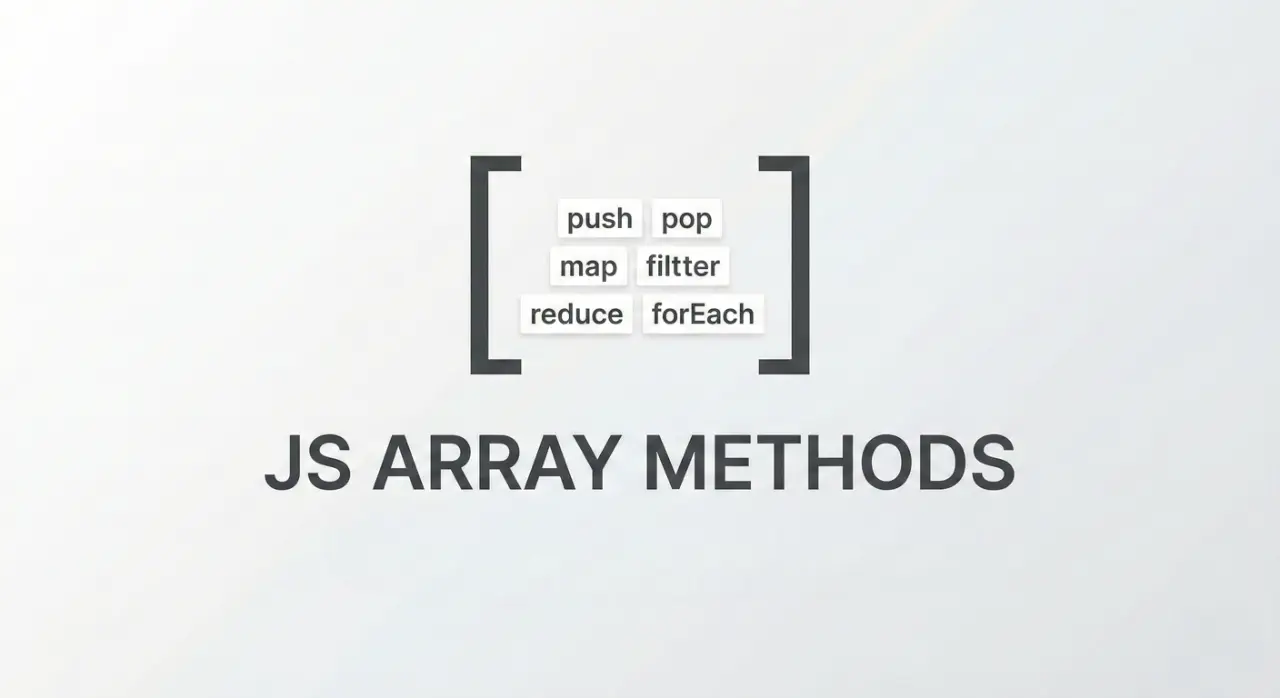
Suppose, You have a basket of apples 🍎.
Sometimes you add apples, sometimes you remove apples, and sometimes you inspect each apple and do something with it.
Arrays in JavaScript work very much like that basket.
Let’s walk through the most useful tools you have for managing that basket.
1. push() and pop()
Real-world example
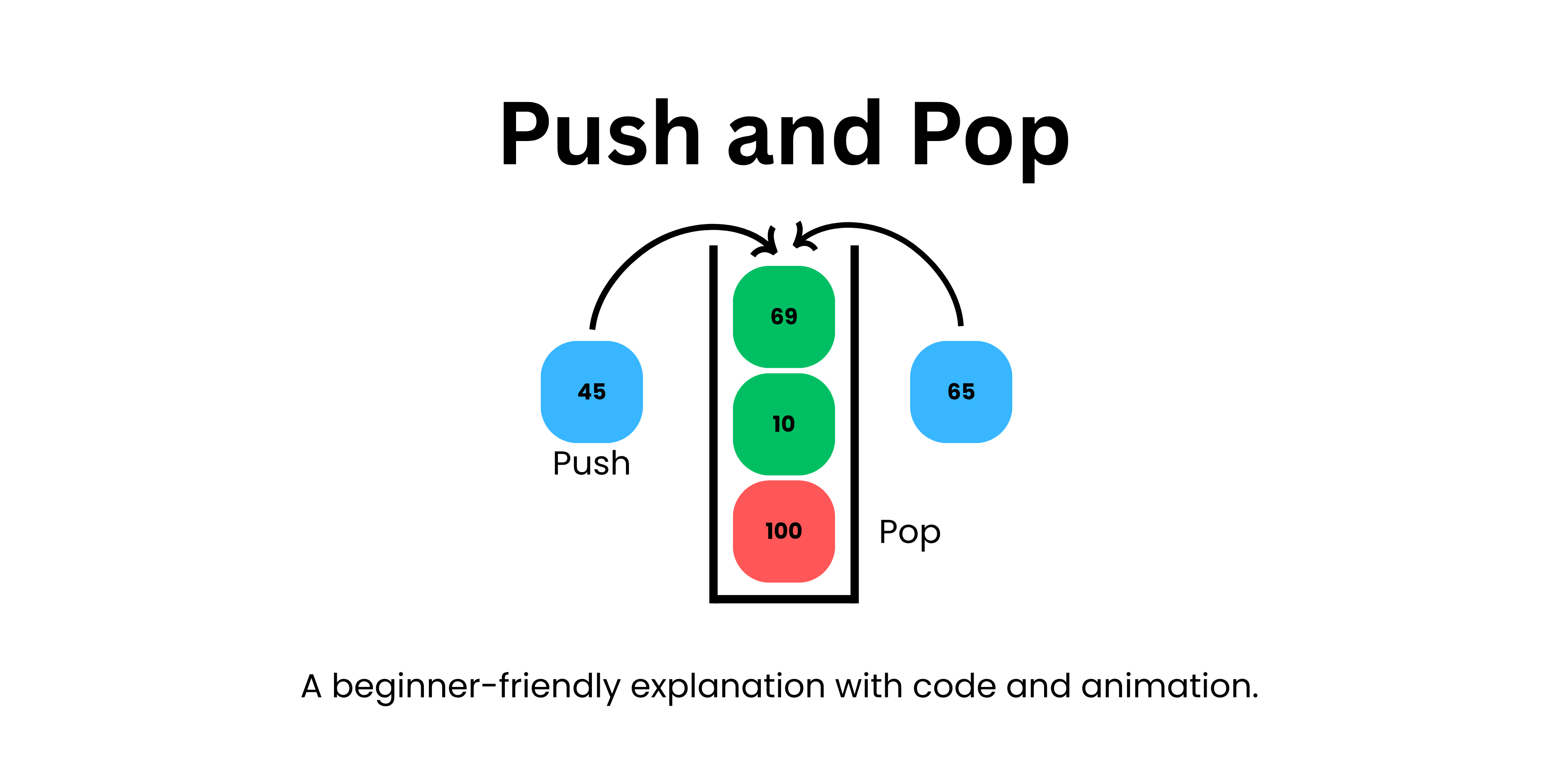
Think of a stack of plates in a kitchen.
You add a plate to the top.
You remove a plate from the top.
That’s exactly how push() and pop() work.


4
Example
let fruits = ["apple", "banana"];

fruits.push("mango");
Before:
["apple", "banana"]
After:
["apple", "banana", "mango"]
push() → adds to the end.
Now removing:
fruits.pop();
Before:
["apple", "banana", "mango"]
After:
["apple", "banana"]
pop() → removes from the end.
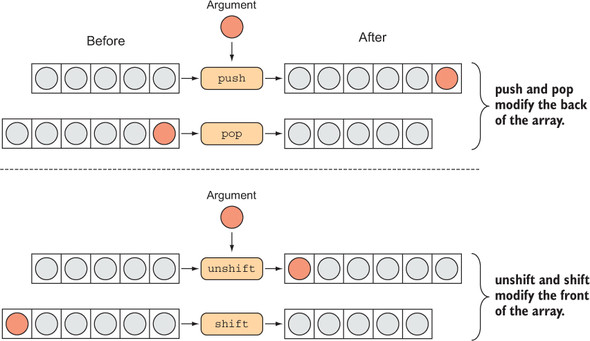
2. shift() and unshift()
Real-world example
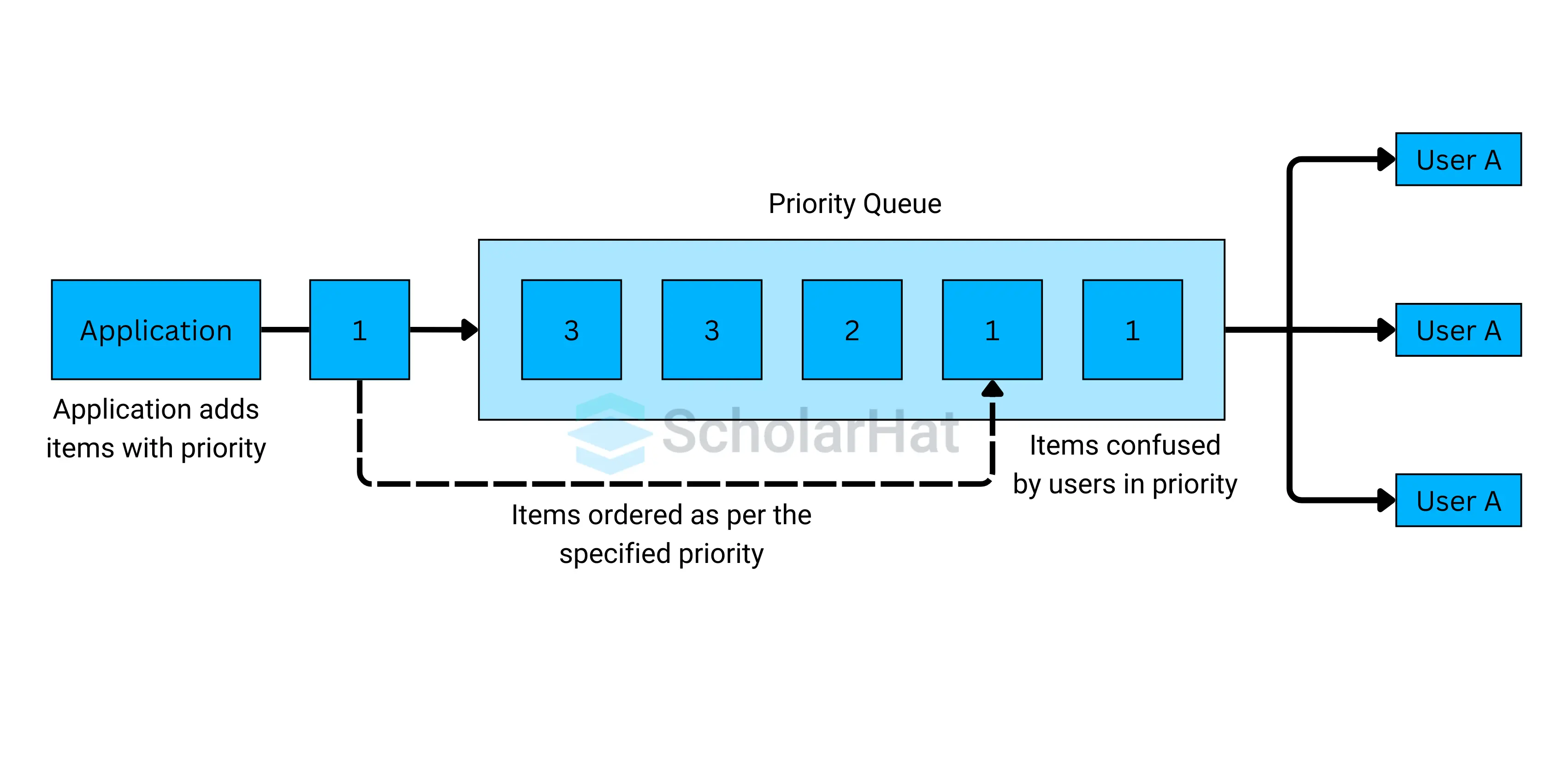
Imagine a queue at a ticket counter.
The first person leaves the line → shift
A new person joins the front → unshift

4
Example
let fruits = ["apple", "banana", "mango"];
shift()
fruits.shift();
Before
["apple", "banana", "mango"]
After
["banana", "mango"]
shift() → removes the first item
unshift()
fruits.unshift("orange");
Before
["banana", "mango"]
After
["orange", "banana", "mango"]
unshift() → adds to the start
3. map()
Real-world example
Imagine a teacher grading papers.
Every paper gets +5 bonus marks.
The teacher goes through every paper and updates it.
That’s map().

4
Example
let numbers = [1, 2, 3];
Goal: double every number.
let result = numbers.map(function(num) {
  return num * 2;
});
Before
[1, 2, 3]
After
[2, 4, 6]
Important idea:
👉 map() creates a new array
Original array stays the same.
Traditional loop vs map
Traditional for loop
let result = [];

for (let i = 0; i < numbers.length; i++) {
  result.push(numbers[i] * 2);
}
Using map
let result = numbers.map(num => num * 2);
Cleaner. Less code. Same result.
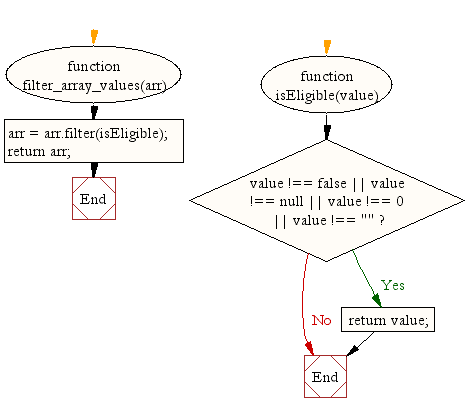
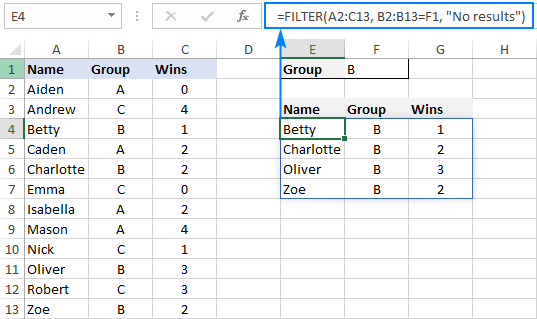
4. filter()
Real-world example
Imagine a security guard checking IDs.
Only people above 18 can enter.
The guard checks everyone but lets only some people through.
That’s filter().

4
Example
let numbers = [5, 12, 8, 20];
Get numbers greater than 10.
let result = numbers.filter(function(num) {
  return num > 10;
});
Before
[5, 12, 8, 20]
After
[12, 20]
Important idea:
👉 filter() keeps some items and removes others
5. reduce() (Beginner Friendly)
Real-world example
Imagine counting total money in your wallet.
You pick each note and add it to the total.
₹100 → total = 100
₹50 → total = 150
₹20 → total = 170
That process is exactly what reduce() does.

4
Example
let numbers = [5, 10, 15];
Calculate total sum.
let total = numbers.reduce(function(acc, num) {
  return acc + num;
}, 0);
Step by step:
0 + 5 = 5
5 + 10 = 15
15 + 15 = 30
Final result
30
Key idea:
👉 reduce() turns an array into one single value
6. forEach()
Real-world example
Imagine a teacher calling each student's name.
They just visit every student.
But they don’t create a new list.
That’s forEach().
Example
let numbers = [1, 2, 3];

numbers.forEach(function(num) {
  console.log(num);
});
Output
1
2
3
Important idea:
👉 forEach() runs code for every item but returns nothing
Small Assignment (Try in Console)
Create an array:
let numbers = [5, 10, 15, 20];
Step 1 — map
Double numbers
[10, 20, 30, 40]
Step 2 — filter
Numbers greater than 10
[15, 20]
Step 3 — reduce
Total sum
50
Final takeaway
Think of arrays like a basket of items.
Use:
• push/pop → add or remove from the end
• shift/unshift → add or remove from the start
• map → transform every item
• filter → keep only some items
• reduce → turn array into one value
• forEach → just loop through items
Open your browser console right now and try these examples.
That’s the fastest way this will stick in your brain.